
Agent import
Use a local AI agent to import existing app flows into Rheo.
Purpose
Use the Rheo agent skill when your app already has onboarding, paywall, setup, or post-purchase flows and you want a draft in the Rheo builder without giving Rheo access to your repository.
The local agent reads your codebase, fetches the public Manifest Agent Profile, generates rheo-import.zip, validates it locally, and then you upload the ZIP into Rheo.
Privacy model
- Your repository stays in your local agent environment.
- The docs profile is fetched as raw Markdown guidance.
- The generated manifest or ZIP bundle is the only artifact provided to Rheo.
- Import telemetry should capture metadata only, not source code or copy text.
Example prompts
Use the Rheo skill to import our onboarding from app/onboarding.tsx.Use the Rheo skill to implement Rheo in this Expo app with placeholders for publishable key and channel id.Workflow
- Install or copy the Rheo agent skill into your agent environment — see Rheo with AI assistants.
- Ask the agent to import the existing flow and answer the mandatory intake questionnaire (all six questions, including motion import when desired).
- The agent fetches the latest Manifest Agent Profile from the docs site.
- The agent audits your entry file and produces an audit report (and animation suggestions when you request motion import).
- The agent asks targeted follow-up questions if the audit finds meaningful ambiguity.
- The agent writes
rheo-import.zip(at minimumrheo-import.manifest.jsoninside the archive; add asset and font sidecars when local media is used). - The agent validates the manifest and runs publish-gate checks so the draft matches dashboard Publish rules (text colors, Continue buttons, entry/completion path, etc.).
- In Rheo, create a new flow with Import from agent and upload
rheo-import.zip.
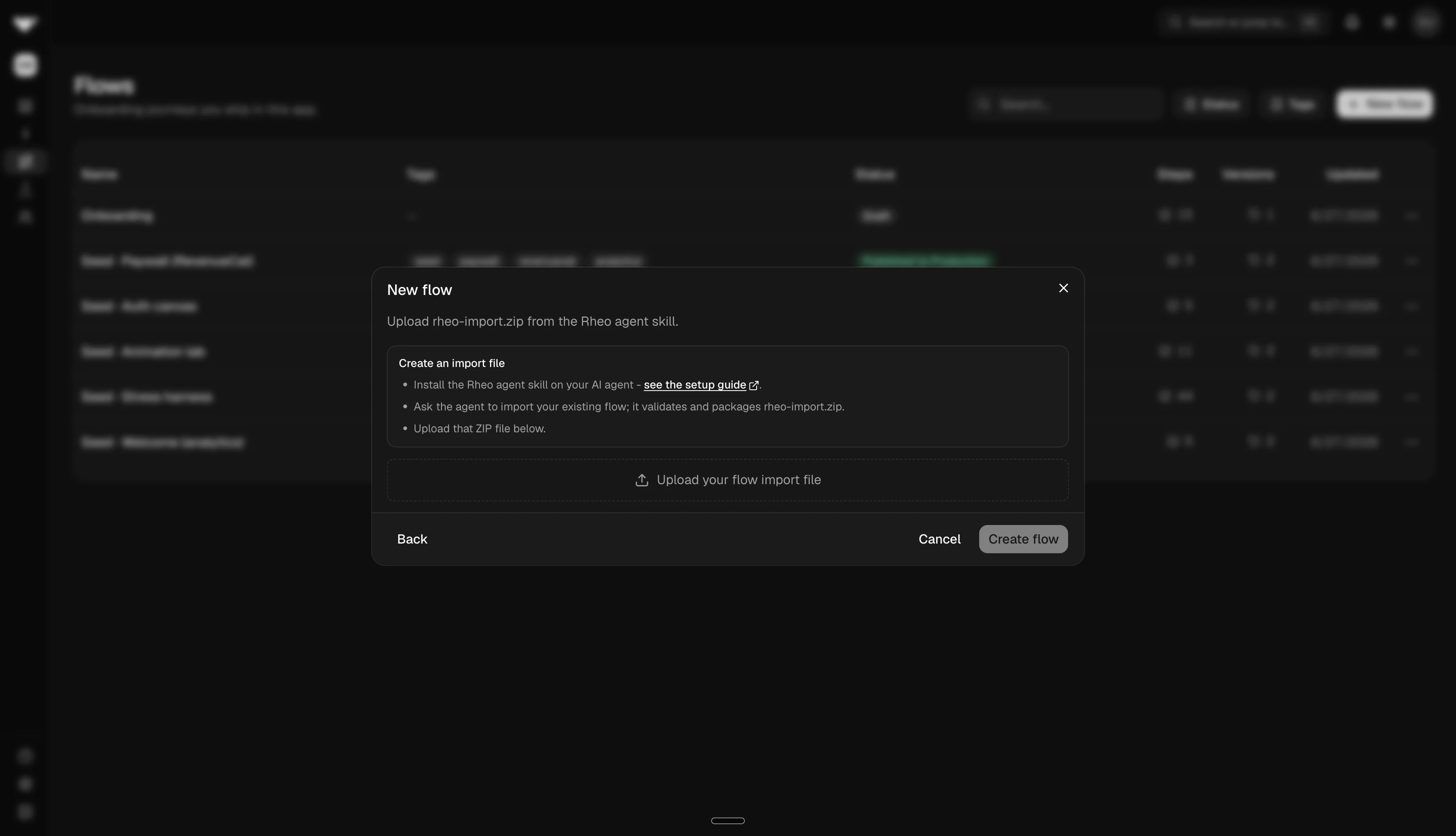
- Review the imported draft in the builder.
- Publish to a channel when ready.
ZIP bundles with assets
The dashboard import accepts rheo-import.zip only. The agent must always deliver a ZIP bundle. When the source flow uses local images, Lottie files, videos, or custom fonts, include rheo-import.assets.json, rheo-import.fonts.json, and files under assets/. When no local media is found after an explicit audit, the ZIP may contain only rheo-import.manifest.json.
rheo-import.zip
├── rheo-import.manifest.json
├── rheo-import.assets.json
├── rheo-import.fonts.json
└── assets/
    ├── hero.png
    └── fonts/
        └── CalSans-Regular.ttf
rheo-import.assets.json maps placeholder UUIDs in the manifest to media files in the ZIP. During import, Rheo uploads those files to the media library and rewrites the manifest to use the new media asset ids.
rheo-import.fonts.json lists font families and styles with placeholder UUIDs. During import, Rheo uploads font files and merges them into the app's branding font library; manifest.theme.fontFamily should name the primary family.
For single_choice and multiple_choice screens, each option stack should include both style (default) and selectedStyle (selected) when the source differentiates selected and unselected chrome.
If an asset cannot be copied into the ZIP, the agent should report the missing file instead of silently dropping the image, Lottie, or video layer.
Implementation workflow
When you ask the agent to implement Rheo, it should:
- Read your local app conventions.
- Install the SDK with your package manager.
- Wire
RheoProvider+Flowfor React Native / Expo. - Keep the old onboarding available as a rollback path unless you ask to remove it.
- Wire terminal callbacks to continue host navigation.
- Add optional integrations only when your flow uses them.
Troubleshooting
- Invalid manifest: ask the agent to run validation and fix the reported issue paths.
- Missing fallback edge: connect every Integration / External Surface Node fallback.
- Integration disabled: enable RevenueCat, Superwall, or AppsFlyer in app settings before importing manifests that reference them. External Surface Nodes (
provider: "headless") do not need a toggle; the host must registerexternalSurfacesin the SDK. - Unsupported native UI: approximate with editable Rheo layers and review manually in the builder.
- Wrong environment: publishable keys and channels are environment-scoped.