
Overview
Connect attribution, monetization, and host-rendered surfaces to flows while your app keeps API keys and native modules.
Integrations and canvas surface nodes let the dashboard and SDK orchestrate third-party surfaces, signals, and host-owned UI. Rheo does not replace your vendor SDKs: you still configure RevenueCat, Superwall, and AppsFlyer (or equivalents) in app startup when you use those providers. Stripe Integration Nodes store a Payment Link URL. The web SDK redirects, and Rheo records the purchase only after Stripe sends checkout.session.completed to the app webhook. Rheo stores the webhook signing secret, not a Stripe API key. External Surface Nodes (headless) skip vendor toggles — you register a component in the host app keyed by the canvas node id.
How integrations show up in the product
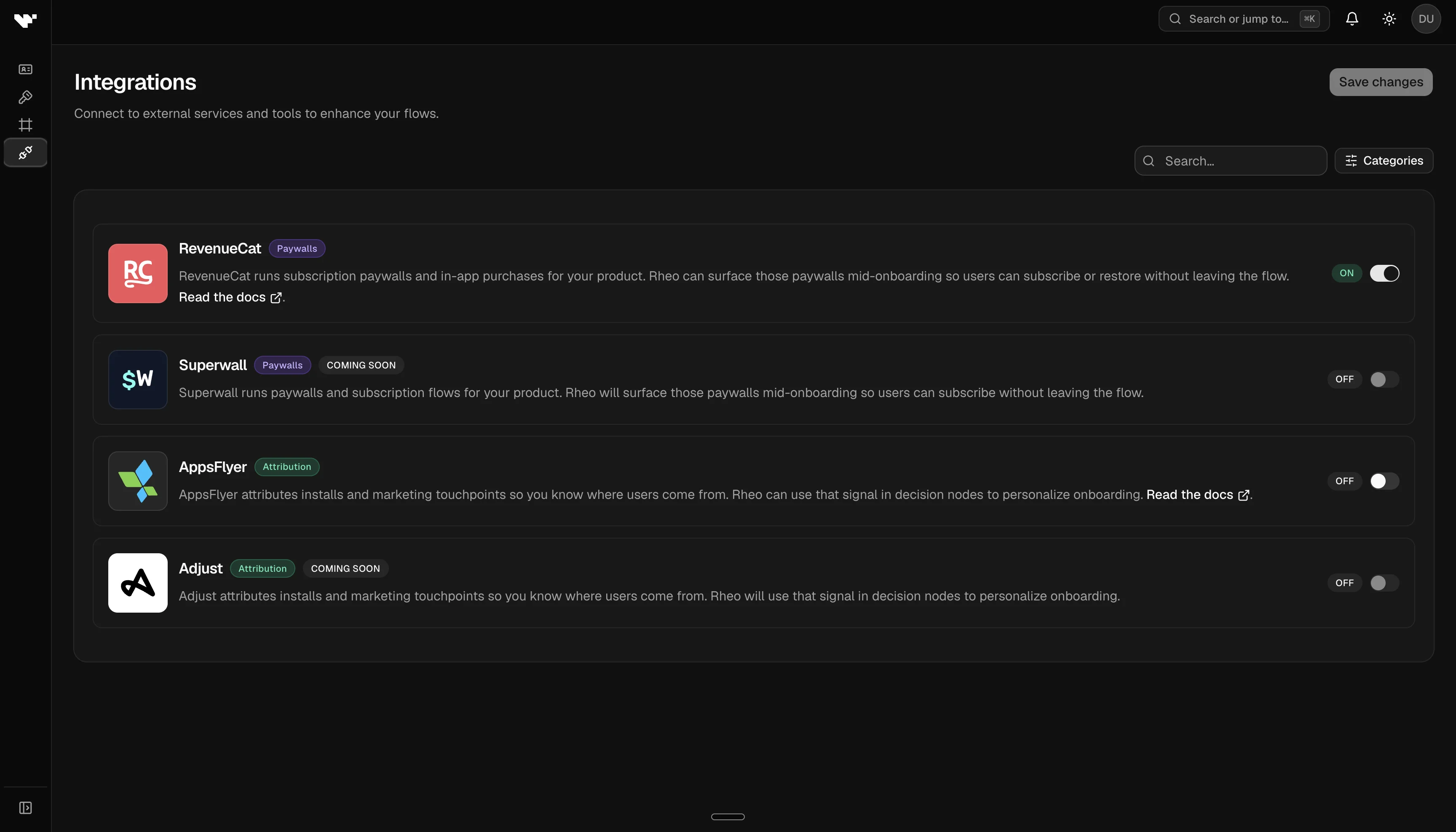
- App settings → Convert settings → Integrations — Per-app toggles and defaults (for example RevenueCat default offering, Superwall default placement). The Web SDK card on that page holds allowed browser origins, the Stripe webhook URL, and a write-only signing secret. Disabled partner providers block publish when a flow still references them. External Surface Nodes do not use this panel.
- Flow builder — Separate add-menu items: Integration Node (Stripe always, with a Payment Link URL; RevenueCat / Superwall when enabled in App Settings) and External Surface Node (headless host UI), plus decision nodes (branch on
sdk.*including normalized attribution and paywall outcome keys). Pinning a version warns (non-blocking) when the manifest includes mobile-only or web-only steps. Experiment assignment shows the same warning.