
Get started in 15 minutes
Minimal path from an empty workspace to a flow your users can see through a channel or the SDK.
Purpose
This guide walks you from an empty workspace to a flow your users can experience—either through a channel in the dashboard or the SDK in your app. Most teams finish the first pass in about fifteen minutes.
What you will have at the end
A flow (a guided experience you designed) connected to an app in your workspace, ready to assign to a channel for staged delivery or to serve through the SDK in your product.
The model in one diagram
- Workspace — Your company's home in Rheo: members, billing, and settings.
- App — A product or surface you onboard users into (often one per mobile app or brand).
- Flow — The storyboard: screens, branching, visuals, motion, and copy.
- Channel — How you roll a flow out to segments (staging, QA, percentages, approvals).
- Customer — An end-user record with attributes and eligibility for experiments.
Continue in Core concepts for short definitions of each term.
First fifteen minutes
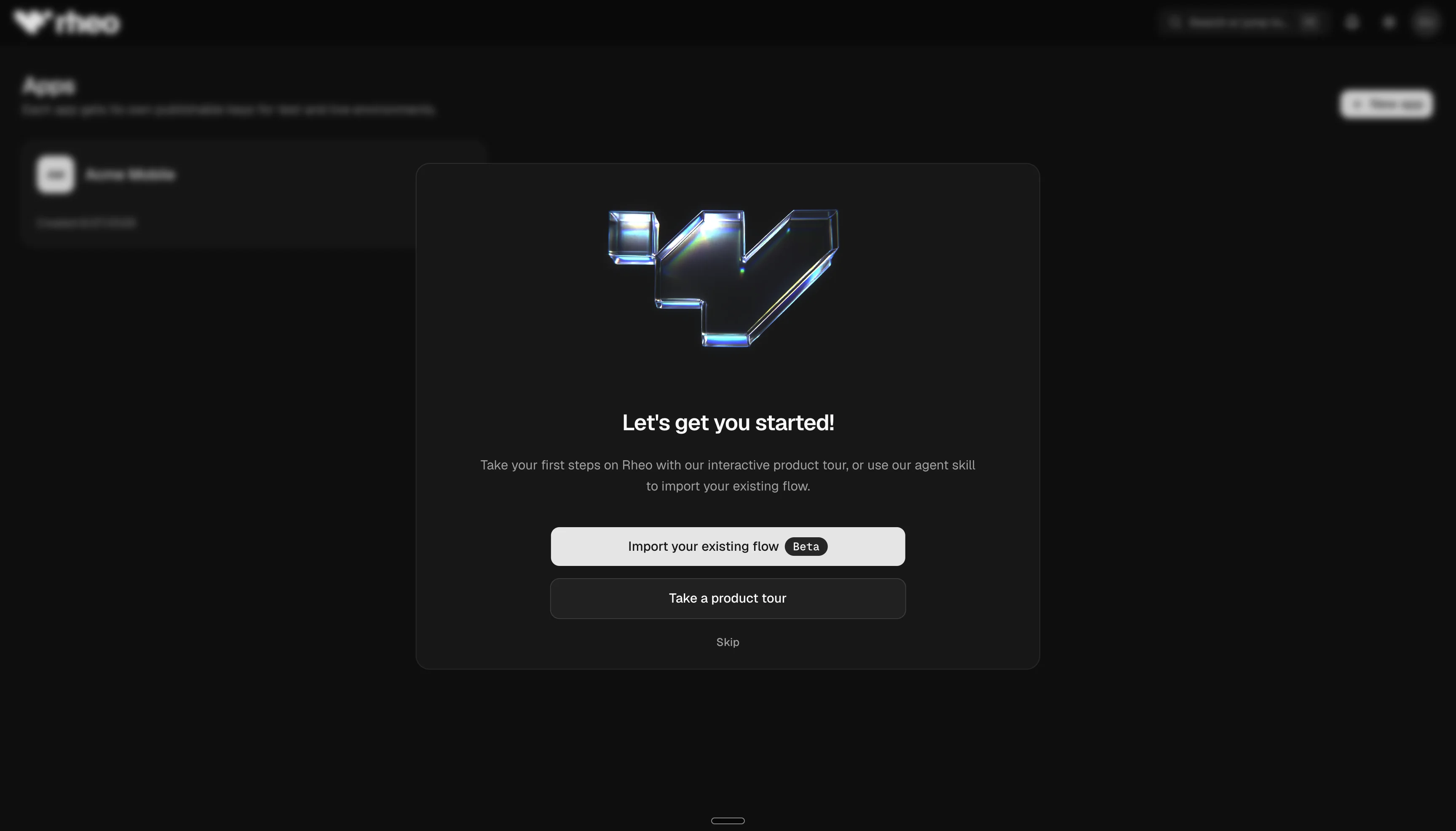
- Sign in to your workspace and finish any Setup prompts (profile and workspace basics).
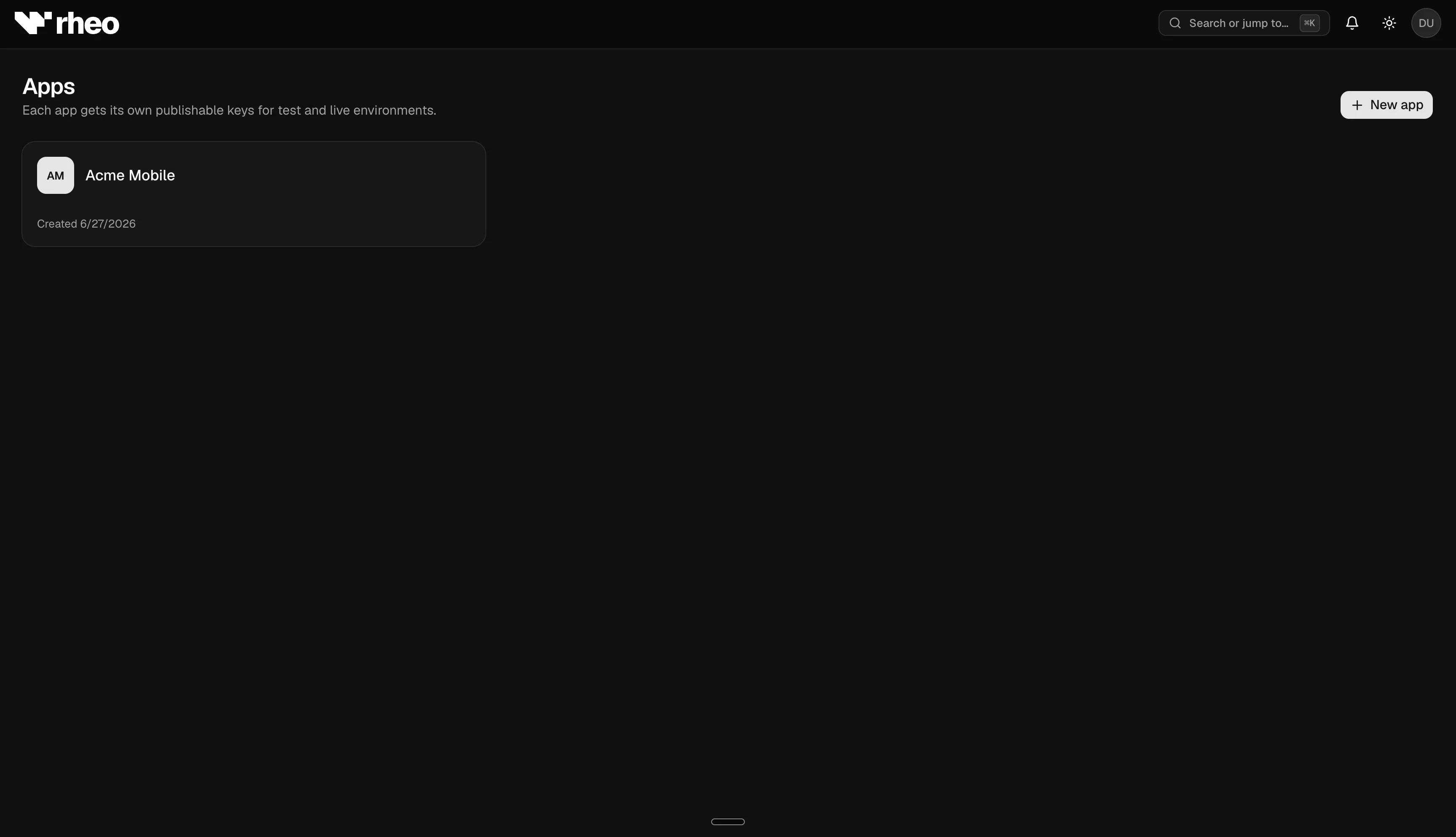
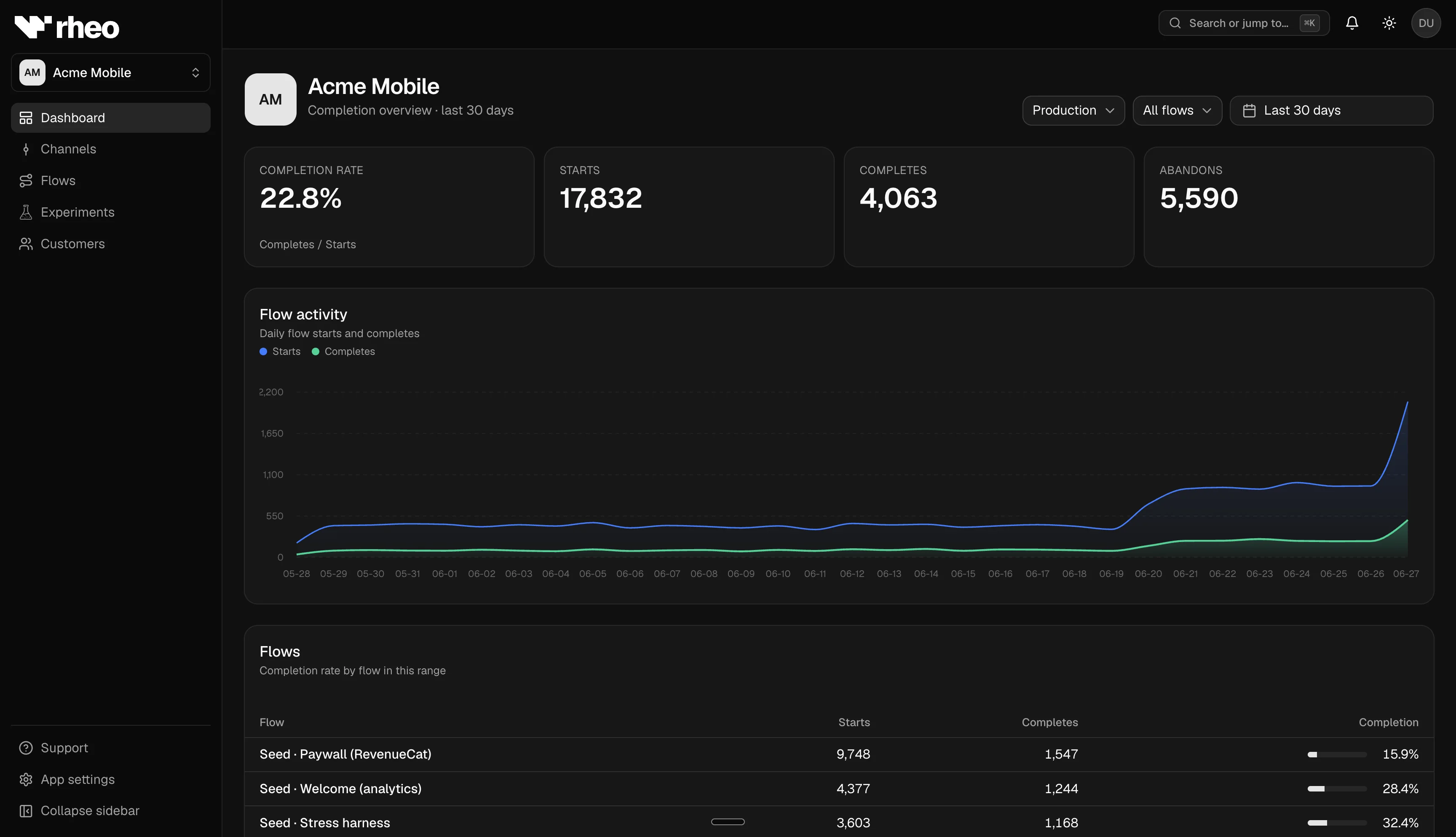
- Create or open an app from Apps so you have a container for flows.
- Create a flow (blank or from a template). You land in the flow builder canvas.
- Add at least one screen and connect it meaningfully. Keep the flow valid—the editor warns when required fields are missing.
- Save frequently; autosave backs you up during longer sessions.
- Choose delivery:
- Channel path — create or pick a channel under Channels, assign the flow, and optionally open a rollout request if your workspace uses approvals.
- SDK path — integrate the Rheo SDK in your app and configure your environment keys. Start with the SDK overview, then pick Expo or bare React Native.
- Optional integrations — enable RevenueCat, Superwall, or AppsFlyer under App settings → Integrations before using paywall nodes or attribution-driven decisions. Headless external surfaces need no toggle (register host UI in the SDK). See Integrations.
- Optional Engage — when you are ready to email customers who opted in, connect a provider under App settings → Engage settings and start with a Broadcast or Automation. See Rheo Engage.
Limits
Validation rules and rollout policies depend on your workspace plan and each member's role. Some features (experiments, approvals, integrations) require Grow or Scale. See Plans & entitlements.
Related
- Flow builder — Layers, timelines, animations, comments, external surfaces.
- Channels & rollout — Assign, approve, archive.
- Experiments — Compare variants safely.
- Rheo Engage — Lifecycle email broadcasts and automations.
- Integrations — RevenueCat / Superwall paywalls, headless host UI, and AppsFlyer attribution.
- CLI — Automate apps, flows, experiments, and Engage from the terminal.