
Flow
Versioned onboarding experience of screens, decisions, and external surfaces served through channels.
Purpose
A flow is the onboarding experience you author in the flow builder. It is a directed story users follow inside your app—screens, branches, and optional integration steps such as a subscription paywall.
What a flow contains
- Screens — Steps users see, built from layers (text, buttons, carousels, auth rows, and more).
- Decision nodes — Branch on answers, user attributes, or experiment context.
- External surfaces — Steps outside normal screen chrome: RevenueCat / Superwall paywalls or headless host-rendered UI keyed by node id.
While you edit, Rheo keeps a working draft. Publishing creates an immutable version—a snapshot that clients receive when a channel points at it.
Publishing is not the same as going live. Publishing alone does not change what users see until a channel or experiment pins that version.
Lifecycle
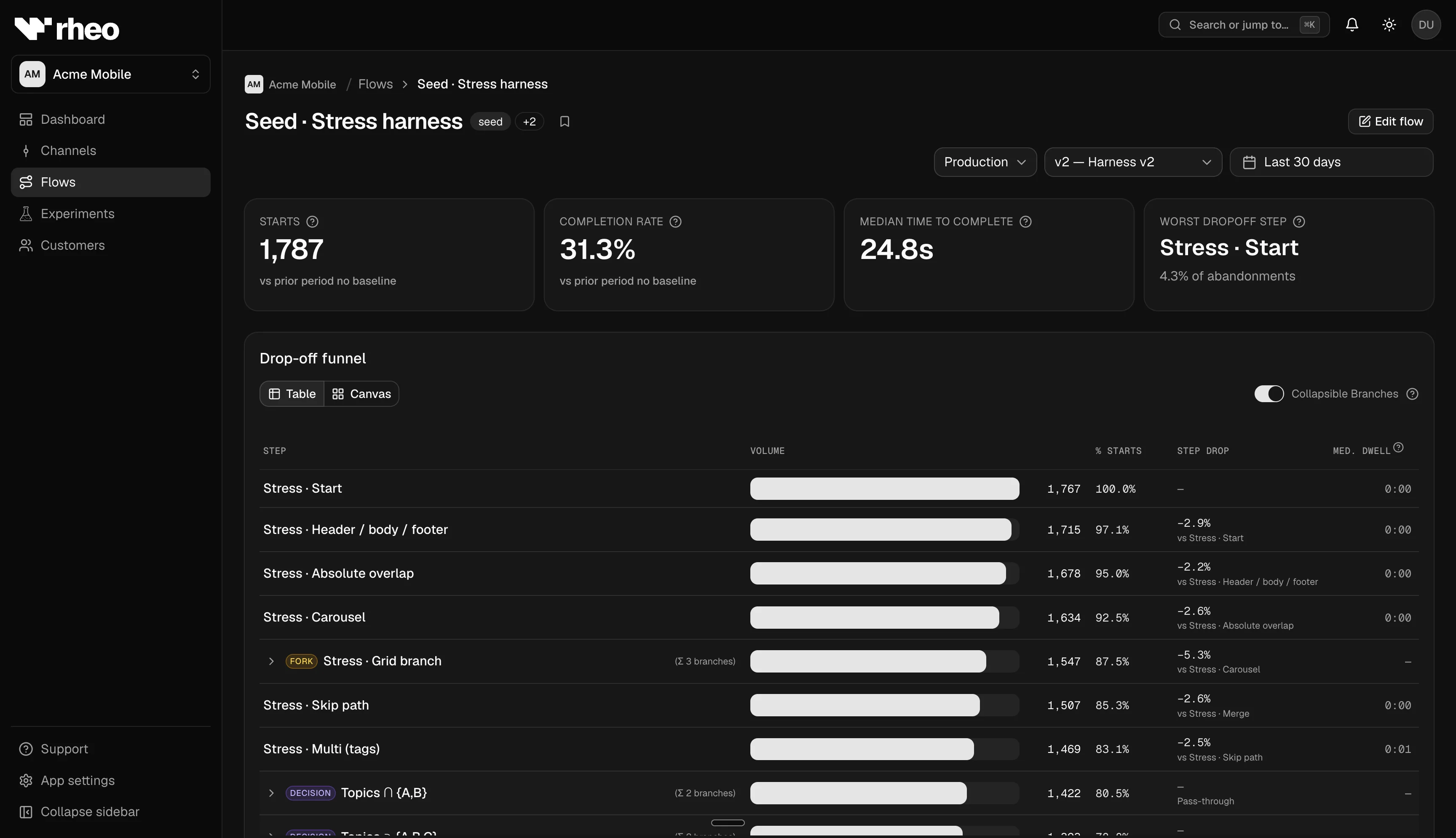
Create flow → edit draft (autosave) → publish version → assign channel or experiment armEach flow keeps a version history with labels. Analytics can filter by a specific published version or aggregate across versions.
How to publish
- Open the flow in the flow builder.
- Resolve any validation warnings (missing required fields, broken connections).
- Choose Publish and add an optional version label.
- Assign the new version to a channel or experiment arm.
Plan limits
Indie workspaces cannot use translations, Lottie animations, AI authoring assists, or integration layers on publish. Grow+ unlocks the full palette, subject to per-app editor settings you configure under App settings. See Plans & entitlements.
Related
- Flows — Catalog, versioning, publish dialog.
- Flow builder — Canvas, layers, validation.
- Channel — How versions reach users.