
Core concepts
App
Product container for flows, channels, experiments, branding, integrations, and SDK keys.
Purpose
An app represents one product in Rheo, for example your iOS, Android, or web client. Flows, channels, experiments, Engage email, and customer data all live inside an app.
What each app includes
- Flows — Onboarding experiences you design and publish.
- Channels — Routing surfaces in test and live environments.
- Experiments — A/B tests on channels (Grow+).
- Engage — Lifecycle email broadcasts and automations on your own provider.
- Customers — End users identified when your app integrates the SDK.
- Branding — Icons and colors applied when users see your flows.
- Integrations — RevenueCat, Superwall, and AppsFlyer toggles (Grow+). The Web SDK card on the same page lists allowed browser origins and the Stripe webhook.
- SDK keys — Separate publishable credentials for test and live. The same keys authenticate the mobile SDKs and the web SDK.
Creating an app automatically sets up test and live environments. You do not create environments manually.
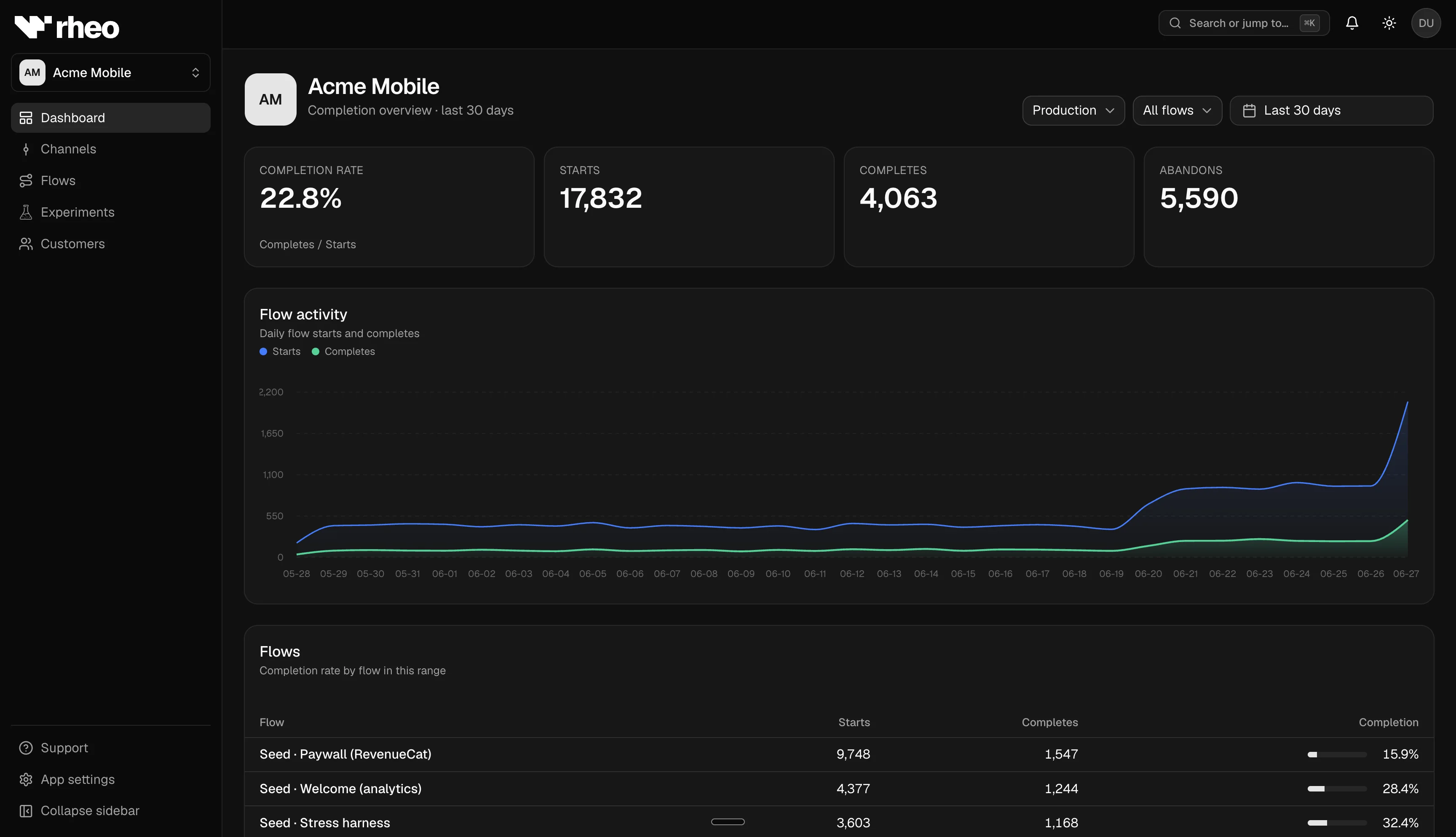
Dashboard navigation
| Area | Where to find it |
|---|---|
| Overview & KPIs | Open an app from Apps |
| Flow catalog & builder | Flows (within the app) |
| Channel assignments | Channels |
| A/B tests | Experiments |
| Lifecycle email | Engage |
| End-user list, profiles & segments | Customers |
| Keys, integrations, branding, Engage settings | App settings |
Store listing
When you create an app, you can optionally look up your App Store or Google Play listing to prefill the name and icon. See Store listing.
Plan limits
Workspaces limit how many active apps you can have—for example Indie allows 1 app and Grow allows 3. Archived apps do not count toward the cap. See Plans & entitlements.
Related
- Apps & settings — Keys, integrations, and configuration.
- Rheo Engage — Lifecycle email for this app.
- SDK environment — Test vs live keys.
- Channel — How SDK traffic routes to flows.