
User Guide
Media uploads
Workspace media library for images, Lottie, and video used in flows and branding.
Purpose
Media assets — images, Lottie animations, and video — live in your workspace library. Pick them from the media picker in the flow editor or from App settings branding. When users run your app, Rheo delivers the right assets securely at runtime without bundling large files in the app binary.
Supported types
| Type | Use in flows |
|---|---|
| Image | Image layers, screen backgrounds, branding icons |
| Lottie | Lottie animation layers |
| Video | Video layers and video screen backgrounds (requires canvas control + native player in the SDK) |
Upload from the flow editor
- In the flow editor, select a layer that accepts media (image, Lottie, video) or open Screen background in Appearance.
- Open the media picker and choose Upload or select an existing asset.
- Wait for the upload to finish; the layer links to that asset in your draft.
- Publish the flow when ready — Rheo verifies that every referenced asset belongs to your workspace.
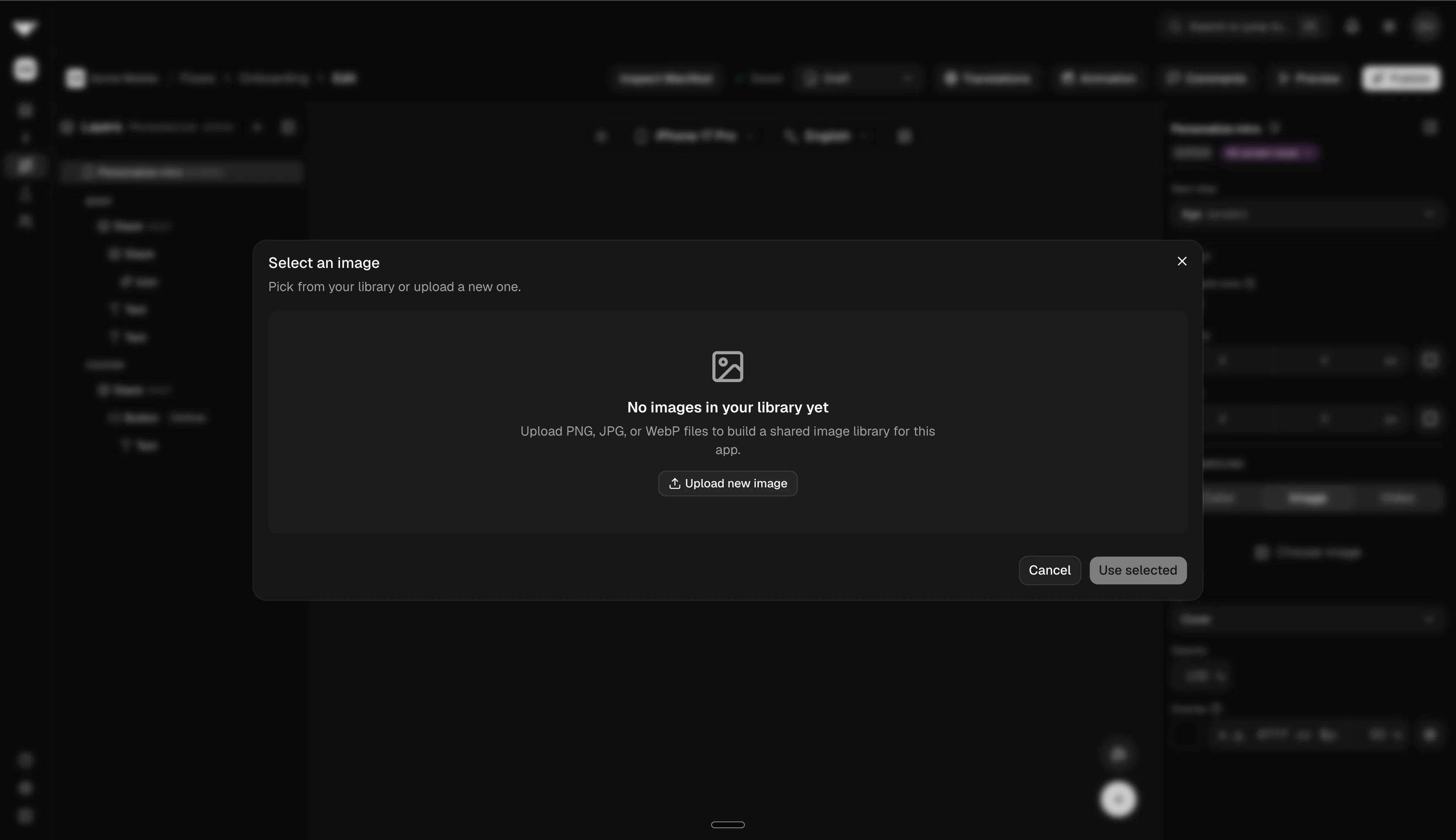
You can view usage (which flows reference an asset) before deleting an item from the library.
How delivery works
End-user apps do not upload media to Rheo. When your app loads a flow, Rheo provides time-limited URLs for each referenced asset so the SDK can render images, Lottie, and video on device.
Limits and permissions
- Uploading, renaming, or deleting assets requires media permission in your workspace role.
- Publish fails if the flow references missing assets or assets from another workspace.
- Video and Lottie may require the corresponding capability under App settings → Convert settings → Canvas controls.
Troubleshooting
- Upload failed: Check your network connection and file type (images,
.jsonLottie, or common video formats such as mp4, webm, mov). - Broken preview in the editor: Wait until the upload completes before saving the layer.
- Missing media in the app: Publish again after asset changes. If you recently published, force-refresh or clear cached flow data in the app during testing.