
Account settings
Personal profile, workspace, members, billing, and rollout approvals — separate from per-app settings.
Overview
Account settings cover your workspace and your user profile — not individual apps. Flows, channels, SDK keys, and integrations live under each app in Apps.
Opening Account takes you to Personal by default.
Account pages at a glance
| Page | Who can use it | What you manage |
|---|---|---|
| Account → Personal | All members | Profile; product email preferences; CLI API keys |
| Account → Workspace | Owners and admins | Workspace name |
| Account → Members | Owners and admins | Invitations, roles, ownership transfer |
| Account → Billing | Owners | Plans, payment, usage, downgrades |
| Account → Approvals | Owners on Scale+ | Rollout approval policy for channel pins |
Use the dedicated guides below for step-by-step workflows — this page is the navigation map.
| Topic | Guide |
|---|---|
| Members, roles, and invites | Members & roles |
| Plans, checkout, and MAU usage | Billing & subscriptions |
| Tier limits and feature gates | Plans & entitlements |
| Rollout request workflow | Channels & rollout |
| Dashboard sign-in and app keys | Authentication |
| Terminal automation with the CLI | CLI |
Personal
Account → Personal shows your identity managed by your sign-in provider, Rheo product email preferences, and CLI API keys. Product email controls Rheo's internal onboarding drip and product tips for workspace users, not Engage lifecycle email to your app's customers.
CLI API keys
Any member can create a personal workspace API key (rheo_wk_…) for the Rheo CLI. Keys are bound to your user and the current workspace. The secret is shown once at creation; revoke unused keys from this page. These keys are not the same as publishable SDK keys under app settings.
The CLI can read and update apps, flows, channels, experiments, analytics, rollouts, media, and Engage (broadcasts, automations, templates, segments, provider, and consent). Engage send actions follow the same role limits as the dashboard: owners and admins can send; editors can draft and schedule.
Workspace
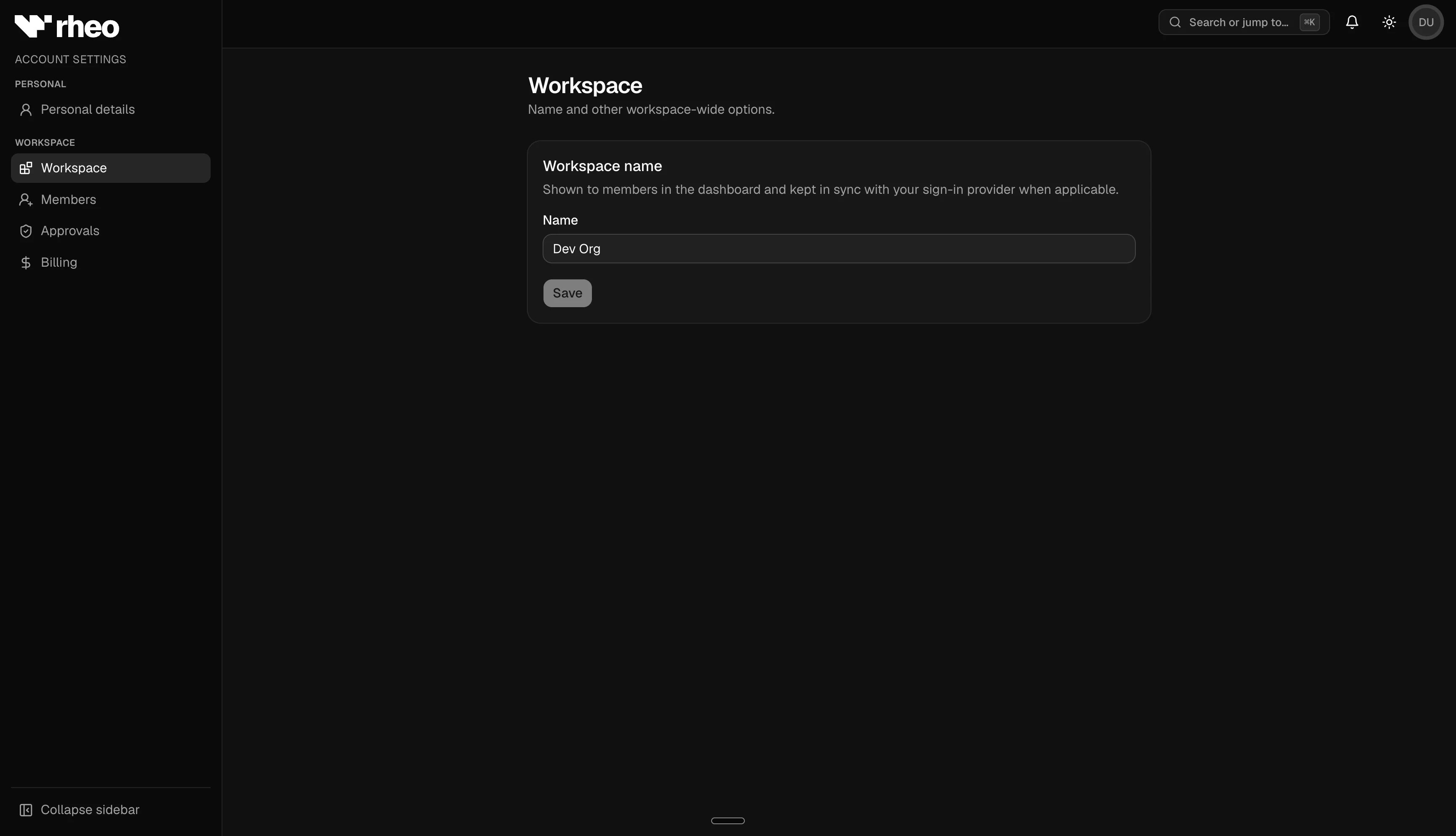
Account → Workspace lets owners and admins rename the organization. The name appears in the workspace switcher and across the dashboard.
Account vs app settings
| Topic | Account | App settings |
|---|---|---|
| Billing and plan | Yes | No |
| Members and roles | Yes | No |
| Rollout policy | Yes | No |
| SDK publishable keys | No | Yes |
| CLI workspace API keys | Yes (Personal) | No |
| Integrations (RevenueCat, Superwall, AppsFlyer) | No | Yes |
| Canvas editor controls | No | Yes |
| App branding | No | Yes |
| Media uploads | No | Yes |